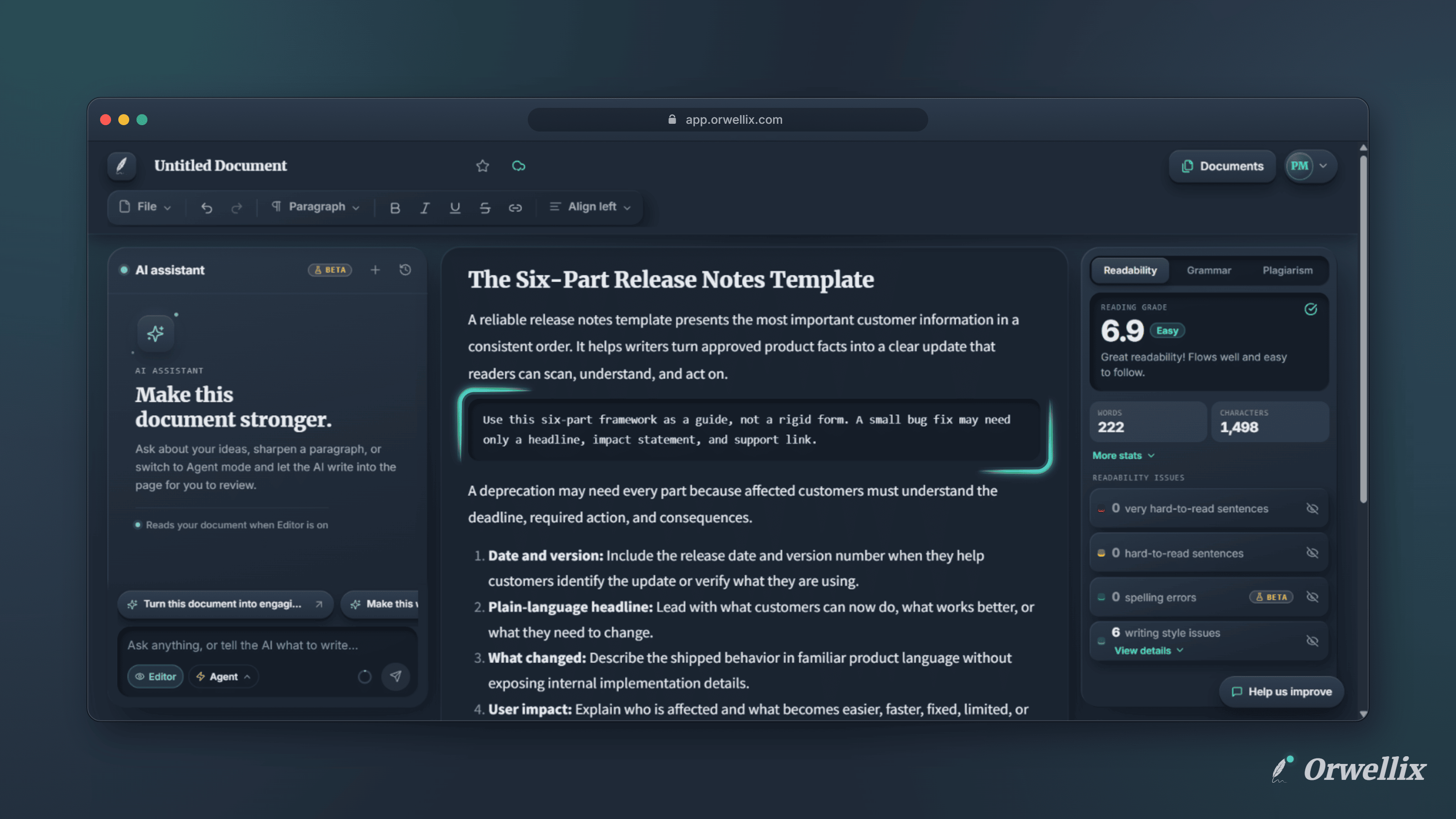
Tutorials, documentation, API guides, and technical blog posts all need code. Until now, a command or snippet in an Orwellix document looked like ordinary text, which made it hard to read and easy to break.
The Orwellix editor now supports code formatting.
Code Blocks
Turn any paragraph into a code block from the paragraph style menu on the toolbar (the one that shows Paragraph, Heading 1, and so on). Choose Code block.
Code blocks use a monospace font in a rounded box. Long lines don’t wrap. They scroll sideways inside the box instead, so indentation and line structure stay intact.
To turn a code block back into regular text, choose Paragraph from the same menu.
Inline Code
Short pieces of code inside a sentence, such as a function name or a file path, appear as small monospace chips. Inline code comes in when you import a Markdown file, paste formatted text, or when the AI assistant writes it.
The AI Assistant Understands Code
In Agent mode, the AI assistant can now add, edit, and remove code blocks in your document, and it keeps them in the right format when it rewrites the text around them. Ask it to add a usage example to your tutorial or fix the command in step 3, and the result arrives as properly formatted code you can accept or reject like any other edit.
Downloads Keep Your Code
- Markdown: Code blocks become fenced code blocks, and inline code is wrapped in backticks.
- Word: Code blocks use Courier New in a light grey box, and inline code uses Courier New with a highlight.
- PDF: Code blocks get a grey background.
- Print: Code blocks and inline code get a light grey box.
Try It Now
Open a document, put your cursor on a line, and choose Code Block from the paragraph style menu.