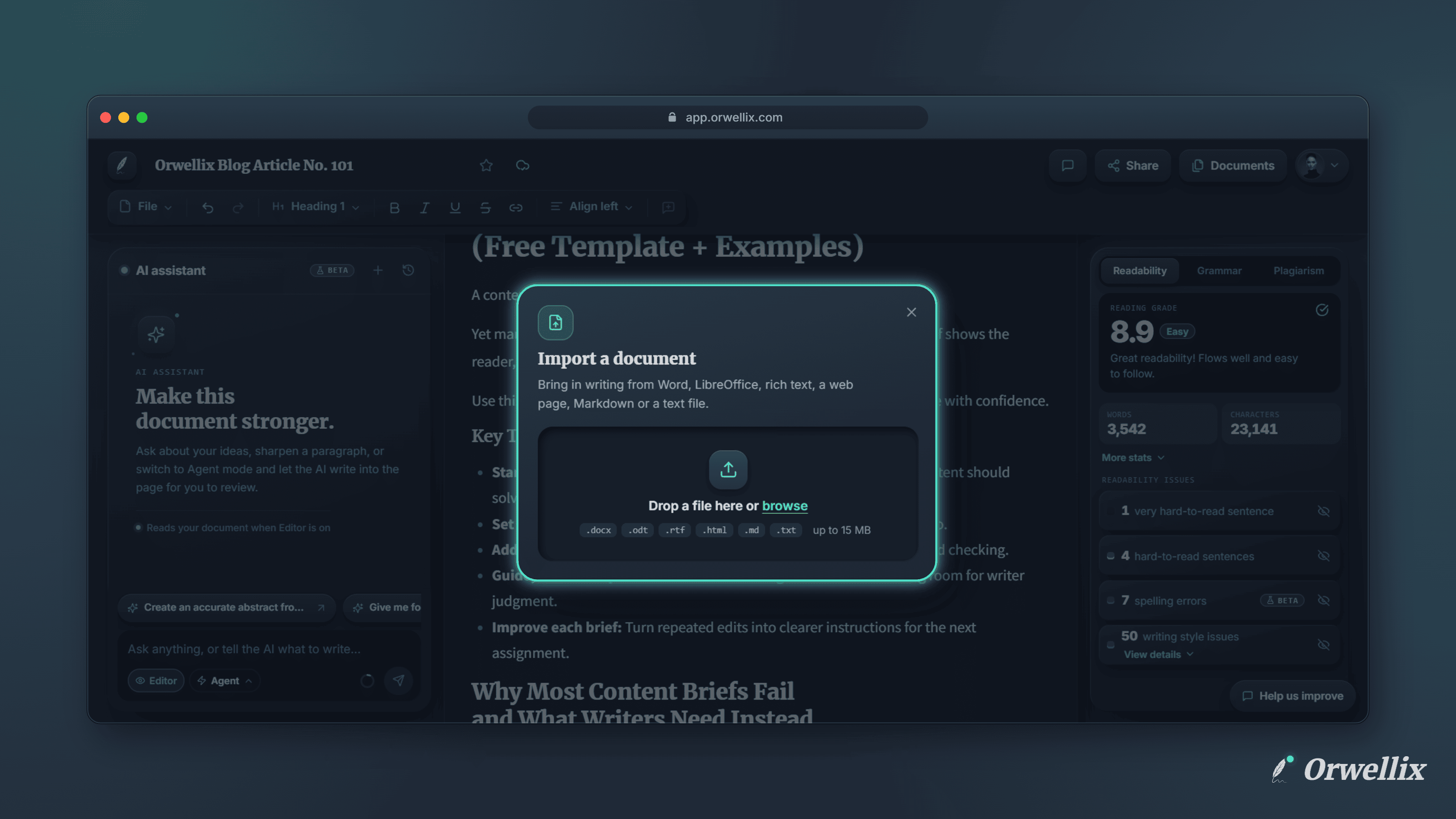
Your writing doesn’t always start in Word. It might be a report from LibreOffice, notes saved in WordPad or TextEdit, or an article you saved from the web or downloaded from Google Docs.
You can now import all of these straight into an Orwellix document.
Three New Formats
| Format | Where it comes from |
|---|---|
| OpenDocument Text (.odt) | LibreOffice Writer, OpenOffice, and other apps that save in OpenDocument |
| Rich Text (.rtf) | WordPad, TextEdit, Word, and most other word processors |
| Web page (.html, .htm) | Saved web pages, and documents downloaded as a web page from Google Docs or Word |
They join the formats you could already import: Word (.docx), Markdown (.md), and plain text (.txt). Every format works with files up to 15 MB.
What Comes In
All three new formats keep the parts of your writing that matter:
- Headings, including the document’s title.
- Bold, italic, underline, and strikethrough.
- Links to websites, email addresses, and phone numbers.
- Bulleted and numbered lists, including lists inside lists.
- Quotes, as quote blocks.
- Line breaks inside a paragraph.
- Tables, as one line per row with the cells separated by tabs.
- Footnotes, gathered at the end of the document.
Images aren’t imported, since documents can’t hold them. When something in your file couldn’t come through as it was, such as an image or a table, the import window tells you.
Web Pages Bring Just the Writing
When you import a web page, Orwellix looks for the main content and leaves out the site’s menus and sidebars. Formatting comes through whether the page sets it with tags or with styles, so documents you download from Google Docs as a web page keep their bold, italic, and nested lists.
How to Import
- Open a document in Orwellix.
- Click File → Import.
- Drop your file anywhere in the import window, or click browse to pick it.
- If the document already has writing in it, choose where the import goes: at the bottom, at the top, or replacing what’s there.
Available on Every Plan
Importing works on every Orwellix plan, including Free. Open a document, click File → Import, and bring in your next file.