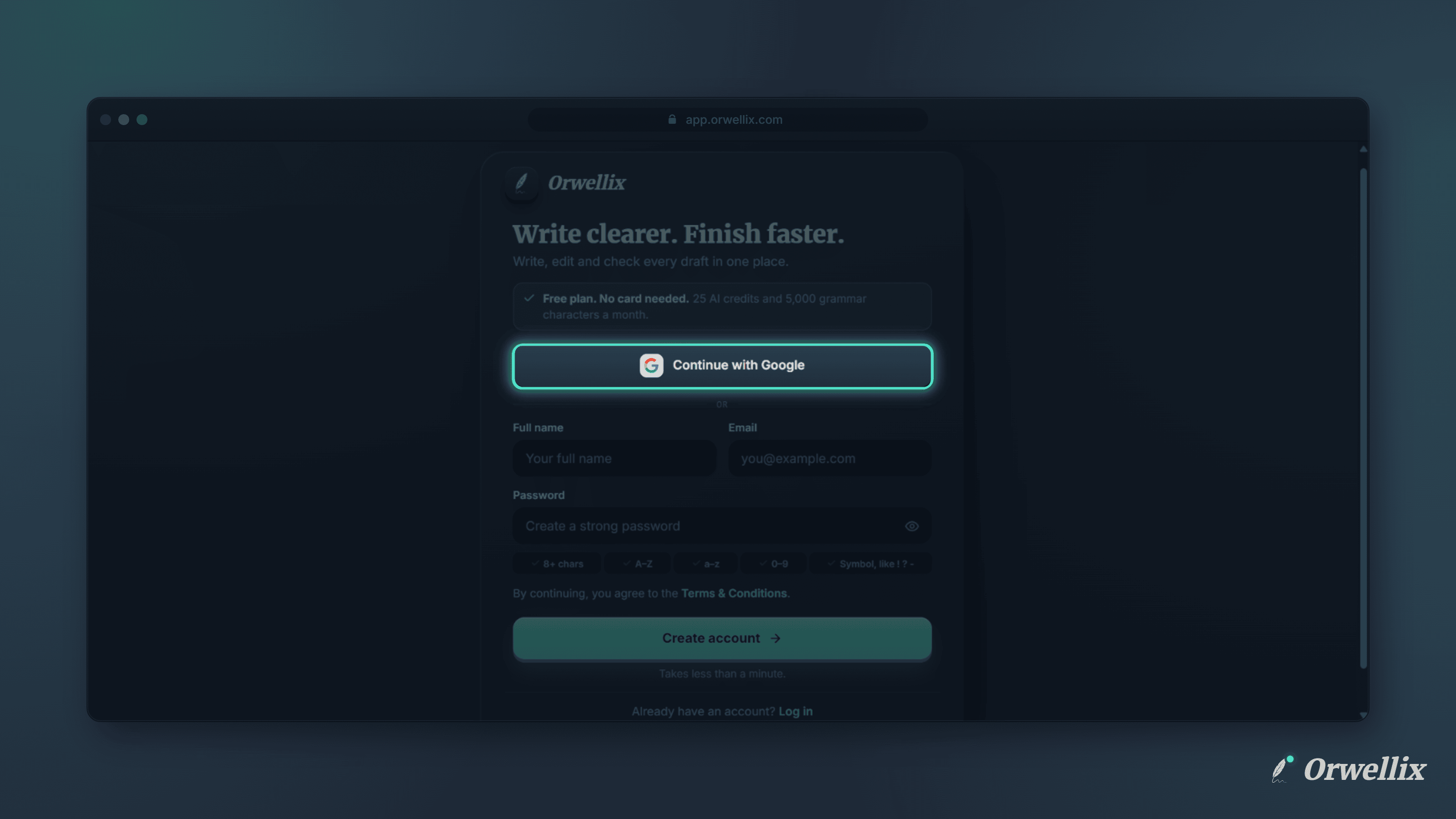
Another password is the last thing anyone wants when they’re trying a new writing tool. You can now create an Orwellix account and log in with your Google account.
One Click to Get Started
On the Create account and Log in pages, click Continue with Google at the top of the form. Choose your Google account, and you’re in.
If you’re creating a new account, you don’t need to choose a password or fill in your name. Orwellix takes your name and email from Google, and it adds your Google profile photo to your account if you have one.
Verified Straight Away
Gmail and Google Workspace addresses are verified as soon as you sign up, so you go straight into Orwellix with no code to type.
If your Google account uses another email address, Orwellix sends the usual 6-digit verification code to that inbox, just like an email sign-up.
One Sign-In Method per Account
Each Orwellix account uses one way to sign in, either Google or an email and password. This keeps your account simple and secure.
- If you already have a password account, keep logging in with your email and password. Using Continue with Google with the same email shows a message pointing you back to your password.
- If you signed up with Google, your account has no password. Use Continue with Google every time. If you try to log in or reset a password with that email, Orwellix points you to the Google button instead.
Two-Step Verification Still Works
Google accounts can turn on two-step verification in Settings → Security, just like password accounts. After you sign in with Google, Orwellix asks for a second code, so your Google account alone can’t open Orwellix.
Because there’s no password to confirm with, turning two-step verification on or off for a Google account is confirmed with a code we email to you.
Settings → Security shows Signed in with Google and your email address in place of the password row.
Try It Now
Go to the Orwellix sign-up page and click Continue with Google.