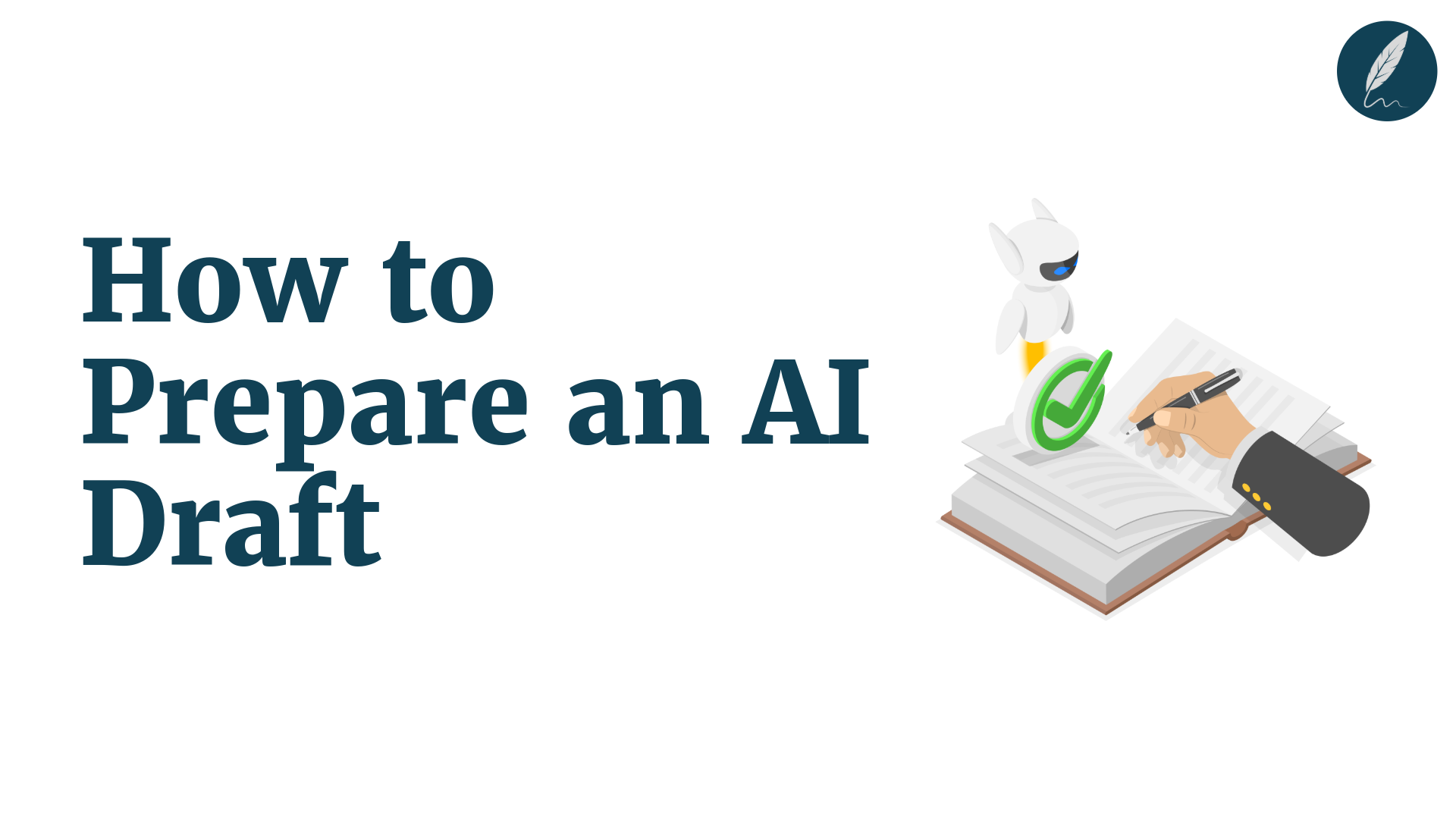
Prepare an AI draft for editor review without vague comments or surprise rewrites.
A clear draft handoff helps editors and clients focus on facts, tone, and next steps.
You will learn how to send the right files, ask useful questions, and make faster decisions.
Key Takeaways
- Set Clear Context: Share the audience, goal, approved sources, and decision needed before review starts.
- Send Two Views: Give clients a clean copy and editors a tracked copy for the right review lens.
- Build a Review Packet: Summarize key changes, open questions, decision owners, and feedback deadlines.
- Ask Focused Questions: Replace “thoughts?” with questions about message fit, facts, structure, or voice.
- Check Before Sending: Use AI to flag risks, then verify every important claim with human judgment.
Struggling with Clarity in your writing?
You're not alone. Many writers face this exact challenge.
Orwellix provides you with advanced writing tools specifically designed to overcome common writing hurdles. Our AI-powered platform helps you craft clearer, more engaging content with less effort.
Start Free TrialWhy “Here’s the AI Draft - Thoughts?” Produces Poor Feedback
Sending an AI-assisted draft with “Thoughts?” sounds easy, but it creates an unclear assignment for everyone involved. Your reviewer must guess the audience, the purpose of the piece, which claims are settled, and what kind of feedback you actually need.
That ambiguity often produces comments that are hard to use. One stakeholder may ask for a stronger tone, another may want more detail, and an editor may discover an unsupported claim after the client has already approved the direction.
Instead of stronger review, you get more interpretation, more back-and-forth, and more avoidable revision work.
Specific feedback works better because it gives people a clear reference point. The American Psychological Association’s guidance for reviewers recommends actionable feedback that helps an editor make a decision.
Apply the same principle to client review: ask for feedback tied to a goal, a location in the draft, or a decision that someone owns.
Here is the difference between requesting a reaction and requesting a useful decision:
- Broad request: “Please review this AI draft and share your thoughts.”
- Decision-focused request: “Please read the clean copy for audience fit. Does the opening describe the buyer’s problem accurately, and can you approve the product claim in section two by Thursday?”
Editors and clients also need different review lenses. An editor may check structure, wording, source notes, and brand voice. A client or subject-matter expert usually needs to confirm business accuracy, audience fit, and whether the message matches the real customer problem.
Asking both reviewers to assess every sentence in the same way wastes time and blurs accountability.
Make the review process visible without overwriting the original draft. Google Docs Suggesting mode lets collaborators propose edits and leave comments instead of changing text silently.
Likewise, Microsoft Word Track Changes makes insertions, deletions, and reviewer feedback easier to inspect. These non-destructive methods give editors the detail they need while preserving a clear record of what changed.
Set a Bounded AI Brief Before You Hand Off the Draft
Give the reviewer the context AI cannot supply on its own
A bounded AI brief gives each reviewer the context they need before they open the draft. It explains what the piece is meant to achieve, which information is approved, and what decision the reviewer is being asked to make.
AI can help you draft, restructure, and summarize, but it cannot reliably know your latest positioning, approved evidence, or internal constraints. Your reviewer should not have to reconstruct that essential context from the draft alone.
If those constraints are not documented yet, build an AI use policy for your content team or agency that names approved tools, restricted inputs, client rules, and the final approver.
Google Search Central’s guidance on generative AI content emphasizes accuracy, quality, relevance, and reader value, standards that still require human judgment before publication.
- Audience: State who will read the finished piece and what they already know. For example: “Busy agency marketing leads who understand content production but do not manage editors day to day.”
- Desired outcome: Name the action, belief, or decision the content should support. For example: “Help readers use a repeatable review handoff instead of asking for broad opinions.”
- Approved sources: Link the current product pages, research, subject-matter expert notes, and documents the draft may rely on. Flag anything that still needs confirmation.
- Voice rules: Point reviewers to the approved style reference. If you need one, use this guide on how to create a brand voice guide.
- Required inclusions and prohibited claims: Identify mandatory messages, legal wording, restricted competitor references, and statements that need evidence.
- Expected reviewer decision: End with one clear request, such as “Approve the positioning direction,” “Confirm this product claim,” or “Choose between these two openings.”
Keep the bounded brief focused on one review handoff. It should help an editor assess structure and voice, or help a client confirm audience fit and business accuracy.
It does not need to become a full AI content approval workflow or cover every low-risk copy edit.
Example bounded brief: This article is for SaaS content leads who need a smoother client-review process. It should encourage them to send a clean copy with focused questions, not a vague request for thoughts. Use the approved product page and SME notes for every product claim. Please confirm whether the opening describes the buyer’s problem accurately and approve the positioning direction by Thursday.
Prepare AI Draft for Editor Review With a Two-View Handoff
View one: Send a clean reading copy for reader experience
A clean reading copy helps non-editorial reviewers focus on the experience of reading the draft. Clients, executives, and subject-matter experts can judge whether the message is clear, useful, accurate, and right for the intended audience.
- Reader experience: Is the draft clear, useful, and easy to follow?
- Message fit: Does the opening address the audience’s real problem, and is the product promise accurate?
Include these focused questions beside the link or in the Review Packet rather than asking a client to inspect every wording change. This keeps client review centered on message fit and business accuracy, not on editorial mechanics.
For example, a SaaS client can read a clean landing-page draft and answer two useful questions: Does the opening describe the buyer’s real problem, and is the product promise accurate?
The clean copy does not erase the audit trail; it simply gives this reviewer the right reading experience.
View two: Preserve a tracked or markup copy for editorial decisions
A tracked or markup copy gives editors the detail needed to assess material revisions. It preserves a visible record of what changed without making non-editorial reviewers work through a technical comparison.
- Material revisions: Inspect rewritten passages, tone changes, and unresolved comments.
- Evidence changes: Check new source notes, added claims, and wording that needs exact editorial approval.
Label material AI-assisted revisions when that context would affect the editor’s judgment. Google Docs Suggesting mode and Microsoft Word Track Changes preserve visible insertions, deletions, comments, and reviewer attribution, making substantive changes easier to inspect.
Do not force a busy client through a technical diff unless reviewing exact wording is part of their role. The two-view handoff is not duplicate work, it is a choice of review lens. One version supports the reader experience, while the other supports editorial decisions.
Add a One-Page Review Packet
What to include in a one-page Review Packet
A one-page Review Packet turns a draft handoff into a clear decision request.
It gives reviewers the context they need without forcing them to search through email threads, comments, and earlier versions.
- What changed: Identify the few material updates since the last version.
- What needs a decision: State the open question, decision owner, and feedback deadline.
Keep the packet brief and factual. Its job is not to defend the use of AI or document every small copy edit. It should highlight only the information that affects the reviewer’s decision.
- Purpose and audience: State what the page must help the reader understand, feel, or do, and identify the intended audience.
- AI assistance: Briefly note whether AI supported the outline, first draft, restructuring, or copy edits. Keep the disclosure factual rather than defensive.
- Source notes: Link each material product claim, statistic, legal statement, or customer proof to its approved source. For a full verification process, see How to Fact-Check AI-Generated Content.
- Material changes: Summarize the few meaningful updates since the last version, such as a revised opening, new evidence, changed positioning, or a removed unsupported claim.
- Open questions: Name the decision needed, the reviewer who owns it, and the deadline for feedback.
For example, a SaaS landing-page packet can name operations leaders as its audience. It can note that AI reworked the opening and flag a product claim to check against the current product page.
The request can then be specific: “Decision needed by Friday: Is ‘cuts editing time by up to 50%’ approved for this audience, and which customer proof should support it?”
A useful Review Packet makes accountability visible. Clients can focus on message fit, while editors inspect the marked draft.
The decision owner then knows exactly what must be resolved before revision begins.
Run an AI Preflight Before You Send the Draft
Use AI to surface issues, not to declare the draft approved
An AI preflight is a final quality check before you send a draft to an editor or client. It helps you spot questions and risks early, so reviewers can spend their time on decisions that need human judgment.
Use a clear AI-to-human editorial handoff to separate repeatable preflight checks from decisions the reviewer must retain.
- Use AI to flag issues: Treat its findings as questions to investigate, not proof that the draft is ready.
- Keep human accountability: The writer and reviewer remain responsible for verifying claims and approving the final content.
Before the handoff, ask AI to look for missing audience context, weak transitions, repeated ideas, vague claims, and sections that do not support the brief’s intended outcome.
These checks help focus the editor’s time on meaningful issues rather than basic gaps.
- Check alignment: Does each section support the audience, purpose, and desired action in the brief?
- Flag claims: Which product details, statistics, citations, or comparisons need a source note or human verification?
- Review readability and tone: Do sentence complexity, terminology, and voice fit the intended reader?
- Summarize material changes: What changed in the structure, positioning, evidence, or claims since the previous draft?
Tools such as Orwellix’s Tone Detector and Free Readability Checker can highlight passages worth discussing, not approve the draft.
Verify every material claim before sharing the draft. Google Search Central’s guidance on generative AI content emphasizes accuracy, quality, relevance, and reader value.
In practice, that means checking citations, product details, legal language, and evidence against current approved sources rather than trusting an AI-generated statement because it sounds confident.
Keep the preflight proportionate to the assignment and aligned with your organization’s review process. The NIST Generative AI Profile similarly frames generative-AI risk management as a context-specific responsibility.
For a routine content handoff, a short list of unresolved claims and reviewer questions is more useful than a complex approval system.
Copyable AI preflight prompt: Review this draft against the stated audience, outcome, voice rules, and approved sources. What would an editor need to question before reviewing this draft? Identify unsupported or vague claims, missing context, repeated ideas, weak transitions, and any statement that needs a source note.
Ask High-Value Feedback Questions Instead of Asking for Thoughts
Match each question to the reviewer’s role
High-value feedback questions give each reviewer a clear focus and a useful way to respond. Rather than asking for general thoughts, ask for a judgment tied to the reviewer’s role, a location in the draft, or a decision that needs an owner.
- Name the focus: Point to the section, claim, or reader experience the reviewer should assess.
- Name the outcome: Ask for a recommendation, confirmation, or decision that can guide the next revision.
- For a client or business owner: “Does the opening reflect the audience’s real problem? Is the product promise accurate? Is any priority message missing or misleading?”
- For an editor: “Which section loses the thread of the brief, repeats an idea, or sounds unlike the approved brand voice?”
- For a subject-matter expert: “Which statement needs correction, qualification, a source, or formal approval before publication?”
- For an accountable decision owner: “Which of these two positioning options should we use, and what decision is still missing?”
A useful question narrows the response without dictating the answer. It identifies the relevant section, the risk to examine, or the decision the reviewer is expected to make.
That structure makes comments easier to compare, resolve, and turn into a practical revision plan. The American Psychological Association’s reviewer guidance similarly recommends actionable feedback that helps an editor make a decision.
Example review handoff: Send the client a clean copy and ask: Does the opening name the buyer’s real problem? Is the product promise accurate? Is any priority message missing or misleading? Send the editor the markup copy with questions about structure and brand voice. Send the subject-matter expert a short claim log that asks them to confirm one product statement against its approved source.
Consolidate Feedback Before You Revise
Do not begin revising the moment comments arrive.
First, organize the feedback into a shared plan so the team can separate clear improvements from unresolved choices and avoid conflicting rewrites.
- Centralize comments: Bring feedback into one working view before revising.
- Group comments by issue: Combine feedback about the same claim, section, or decision before assigning a response.
Collect comments in one place, then group them by the issue they address rather than by the person who made them. This makes duplicate feedback easier to spot and exposes conflicts before they become accidental editing choices.
- Accept: The feedback supports the brief, approved sources, and voice rules, so it can move into the revision plan.
- Reject: The suggestion conflicts with the brief, evidence, audience needs, or an approved decision. Record a short reason when the issue is material.
- Needs decision: The comment raises a valid question, but the accountable owner must choose the direction before anyone edits the draft.
- Resolve conflicts by issue: Combine related comments, present the trade-off clearly, and ask the designated decision owner to choose. Do not let the last commenter decide by accident.
- Apply agreed changes in markup: Use AI to propose tracked revisions from agreed feedback, then review every change against the brief, source notes, and voice rules.
After decisions are resolved, send a clean revised copy for final reading and retain the tracked version when the team needs an audit trail.
For meaningful choices, a lightweight decision log can record the decision, owner, date, affected section, and reason. Keep it limited to material changes, not routine copy edits. For the final per-edit check, see How to Review AI-Generated Edits Before You Accept Them.
Copyable Review-Ready Draft Checklist
Use this review-ready draft checklist to prepare an AI-assisted draft for editor review or client feedback. It helps you package the right files, context, questions, and decisions before you request feedback.
Use this checklist before you request editor or client feedback
- Brief: I stated the audience, page purpose, intended outcome, voice rules, required inclusions, prohibited claims, and the specific decision needed.
- Sources: I verified material facts, citations, product details, and source notes. I removed unsupported claims or clearly marked them for review.
- Clean copy: The client or business reviewer can read the draft without markup clutter and assess the reader experience.
- Markup copy: The editor can inspect material revisions, comments, unresolved questions, and source-related changes.
- Review Packet: It explains how AI assisted, summarizes material changes, names open questions, assigns the decision owner, and gives a feedback deadline.
- Feedback request: Each reviewer has only a few focused questions tied to their role, a draft location, or a decision they can help resolve.
- After feedback: I will sort comments into accept, reject, or needs decision before asking AI to propose tracked revisions.
- Final files: I will send a clean final version and preserve the marked version or a short decision log when material choices need an audit trail.
Send a short, decision-focused review request
Copy-and-send editor or client email template
Subject: Review requested: [draft name] by [date] Hi [Name], I have attached a clean reading copy and a tracked copy of [draft name]. The clean copy is for reader experience. The tracked copy shows material revisions and open comments. What I need from you: [state one decision or up to three focused questions]. Source note: [name the source or claim that needs confirmation, if applicable]. Please add comments by [date]. [Decision owner] will resolve any conflicting direction before revisions begin. Thanks, [Name]
Use Orwellix to Make the Handoff Easier to Review
Orwellix can help you prepare an AI-assisted draft for review without turning the handoff into another vague request for thoughts. Its writing tools can surface questions, organize proposed improvements, and help you give each reviewer a clearer decision to make.
Start in Ask Mode when the handoff still feels unclear. Share the audience, outcome, approved sources, and draft context, then ask what an editor, client, or subject-matter expert needs to confirm. The result can help you turn a broad review request into focused questions about message fit, claims, structure, or voice.
Use Agent Mode once the team has agreed on the direction. It can propose document-level edits, tighten structure, and summarize material changes for the Review Packet. Keep every proposed revision visible, then accept or reject changes only after the appropriate reviewer has supplied useful feedback.
- Before review: Use Ask Mode to identify open questions, unsupported claims, and the decision each reviewer owns.
- During revision: Use Agent Mode to prepare visible, reviewable changes from agreed feedback.
- Before publishing: Send the clean copy, retain the marked version when needed, and make final decisions with the accountable writer, editor, or client.
For teams managing several brands or client voices, Orwellix can also support a more consistent editorial workflow across accounts.
Learn more in Best Writing Tool for Agencies Managing Multiple Clients. Orwellix supports stronger review preparation, but the writer and accountable reviewer remain responsible for the final content decisions.

Write smarter with Orwellix
The Orwellix AI Capabilities that helps you craft clearer, more effective content.
Conclusion
Preparing an AI draft for editor or client review starts with a clear brief, the right review view, and a focused Review Packet. A clean copy helps clients assess message fit, while a tracked copy helps editors inspect changes, sources, and voice. An AI preflight can surface risks, but people must still verify important claims and make final decisions.
Together, these practices turn feedback from a broad reaction into a useful decision process. Role-specific questions, centralized comments, and a simple decision log reduce conflicting rewrites and make the next revision easier to manage. As AI becomes part of more content workflows, clear context and visible accountability will matter even more.
Orwellix can support this process by helping you identify review questions, improve readability and tone, and prepare visible revisions for discussion. The strongest handoffs still depend on the writer, editor, and client making informed choices.
Give every reviewer a clear decision to make, and your AI-assisted drafts can move forward with greater confidence and less rework.
Frequently Asked Questions (FAQs)
1. What should I include in an AI draft review brief?
Include the audience, purpose, desired outcome, approved sources, voice rules, and the decision you need from the reviewer. This context helps the editor or client assess the draft without guessing what is settled or still open.
2. Why should I send both a clean copy and a tracked copy?
A clean copy lets clients and subject-matter experts focus on the message, accuracy, and reader experience. A tracked copy lets editors inspect material revisions, source changes, and unresolved comments without losing the audit trail.
3. What is a Review Packet, and how long should it be?
A Review Packet is a brief handoff summary that explains the audience, key changes, open questions, decision owner, and feedback deadline. Keep it to one page or less so reviewers can quickly understand what needs their attention.
4. Can AI approve an article before I send it for review?
No. AI can flag vague claims, repeated ideas, missing context, or tone concerns, but it cannot approve the draft for publication. A writer and the appropriate reviewer must still verify facts, sources, legal language, and final decisions.
5. What feedback questions should I ask an editor versus a client?
Ask a client about audience fit, business accuracy, and whether the product promise is true. Ask editors about structure, clarity, voice, repetition, and source wording. Give each reviewer questions that fit their role.
6. What should I do when reviewers give conflicting feedback?
Group comments by the issue they address, then sort each one into accept, reject, or needs decision. When a real trade-off remains, ask the accountable decision owner to choose the direction before revising the draft.
Try Orwellix Free for 7 Days
Experience Orwellix AI Agent's capabilites with risk-free trial. Full access to all features for 7 days. Credit card required to start, you won't be charged until the trial ends.
Start Your Free Trial