Release notes, three ways
A customer-facing update, a Keep-a-Changelog entry, and an API changelog where breaking changes are impossible to miss.
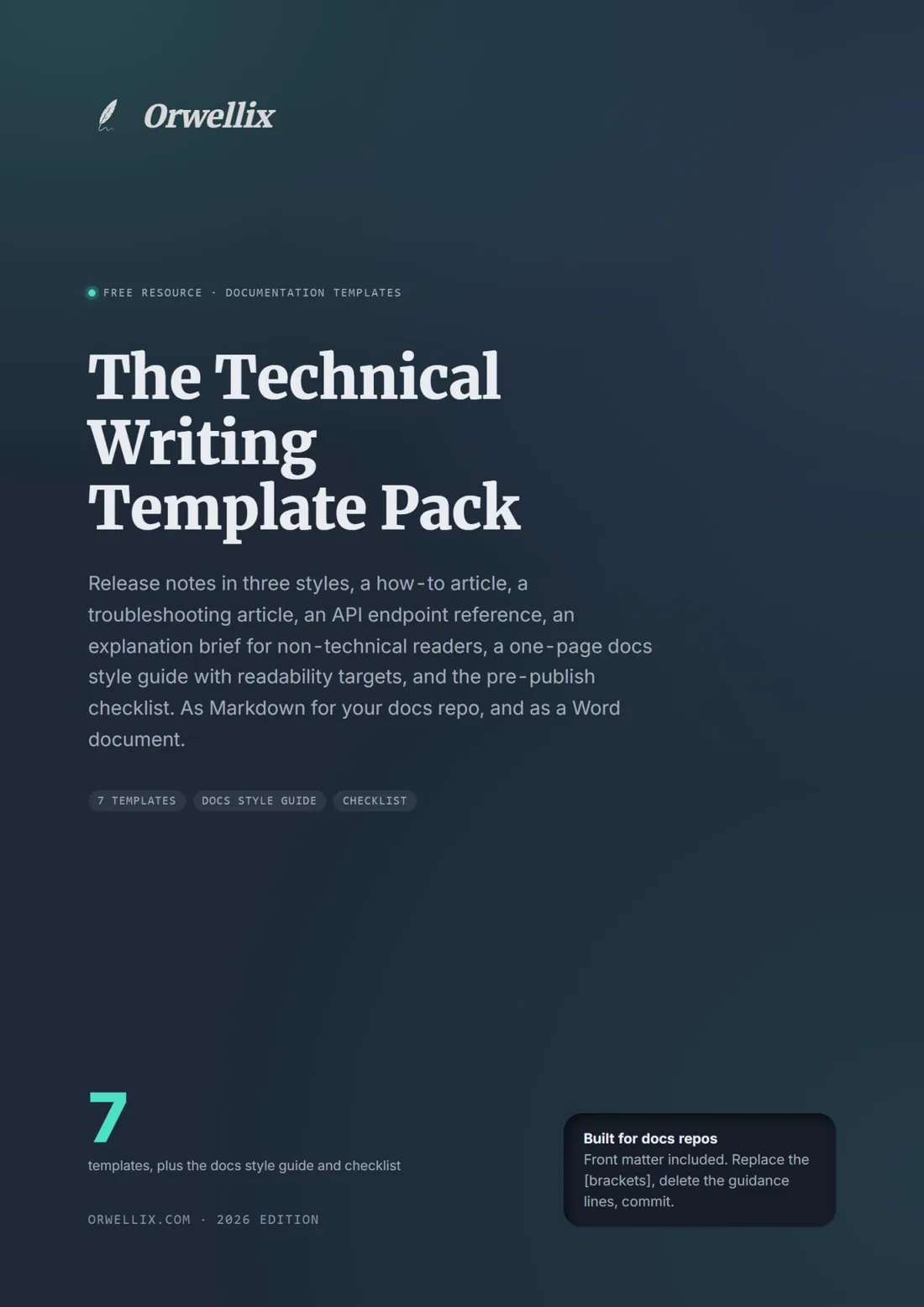
Release notes in three styles, a how-to article, a troubleshooting article, an API endpoint reference, an explanation brief for non-technical readers, a one-page docs style guide with readability targets, and the pre-publish checklist. Each with the front matter fields a docs generator expects. Replace the brackets, delete the guidance lines, publish.
Technical writers, developer-relations writers, product managers and support teams who write the docs people actually search for.
A customer-facing update, a Keep-a-Changelog entry, and an API changelog where breaking changes are impossible to miss.
Goal in the title, prerequisites, numbered steps with the exact UI label in bold, the expected result, and a what-went-wrong table. Troubleshooting: symptom, cause, fix, prevention.
Request, path and query parameters, body, response, every error with what to do, a runnable example, and the notes readers hit on the second call.
For explaining a technical concept to a non-technical reader: the decision they must make, the one-sentence takeaway, a precision ledger of numbers that must survive simplification, the analogy and where it breaks, and the check question.
Structure, readability targets per doc type, words, UI labels and code, screenshots, versions and testing, terminology. Pre-filled with the defaults docs teams use.
Every template carries short "Guidance:" lines explaining the choice, so a new writer learns the why. Delete them when the doc is done.
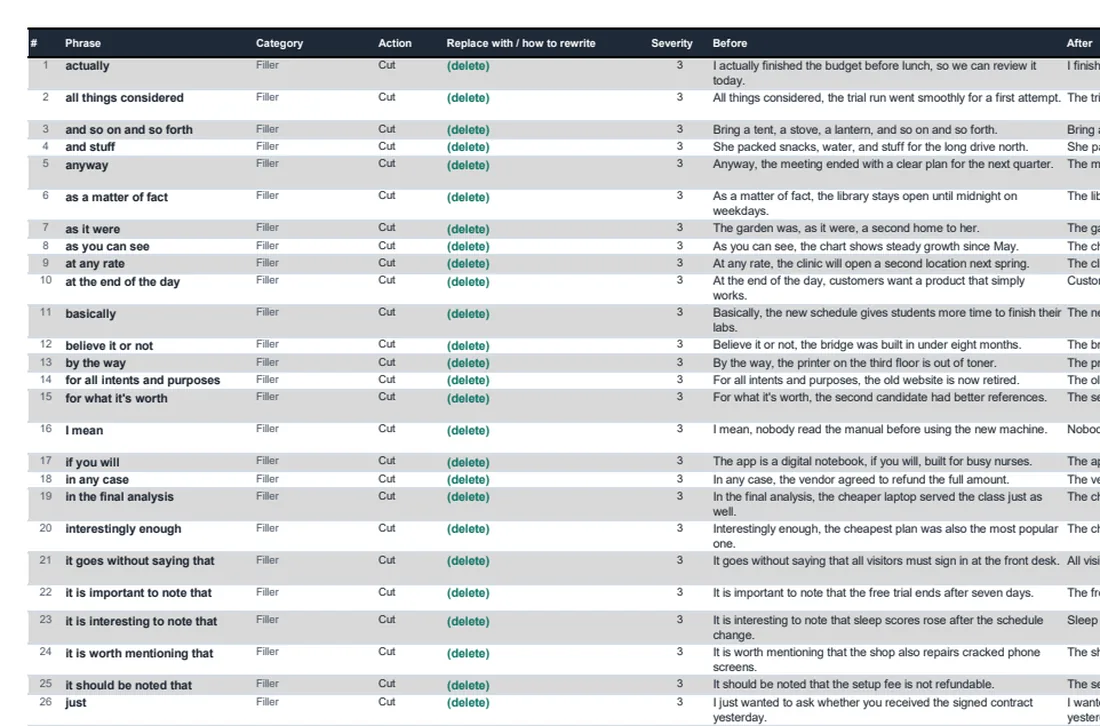
Screenshots are taken from the file itself, not a mock-up. What you see here is what lands in your inbox.
Yes. Each template starts with the common front-matter fields (title, description, last_tested, version_tested) that Docusaurus, MkDocs, Hugo, Jekyll and most others read. Paste the template into a Markdown file in your repo, or delete the front matter if you do not use one.
Docs fail when the sentence around the exact term is too long, not because the term is there. The targets keep the term and shorten everything else.
So everyone on the team can read and adapt it, including the product manager and the support lead who do not live in a repo. The structure pastes cleanly into Markdown.
Enter your name and email and it arrives in a minute. One email per new resource after that, and you can leave any time.
Prefer to skip the download? Start Orwellix free and do the editing inside the document instead.